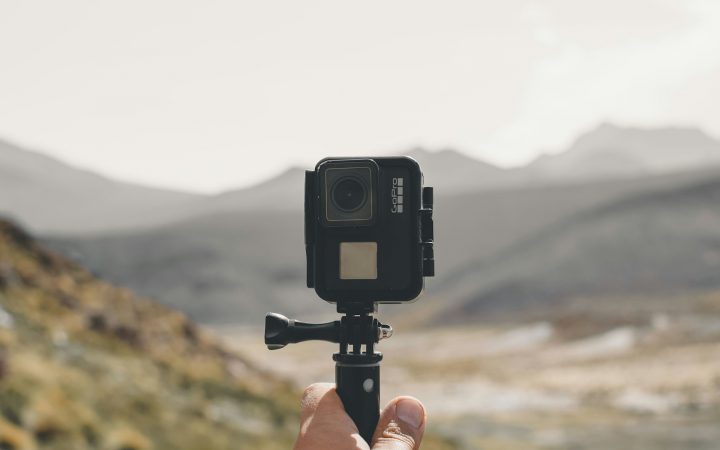
Ask around on any dive boat and someone will have a lost-camera story. A GoPro that slipped off a wrist strap during a giant stride, a head mount that popped off in surge, a camera set down on the sand for a minute and never found again. Action cameras are small, slightly negative or close to neutral in many housings, and easy to forget about, which makes them easy to lose. The good news is that almost every loss follows one of a handful of predictable patterns. Here’s how to deal with each of them, and what to do if a camera gets away anyway.
Key takeaways
- Most cameras are lost at the edges of a dive: entries, exits, boat ladders and handoffs. They’re rarely lost in the middle.
- Most mount failures come from loose thumb screws, worn buckles and unlocked quick-release clips. Check all three before every dive.
- A tether is cheap insurance. Use one with every mount, including mounts that have never failed you.
- Keep the camera where you can see it. A camera you can see is a camera you’ll notice is missing.
- Label the camera and back up your footage every night, so a loss costs you hardware and not your memories.
The seven most common ways action cameras get lost
| Loss scenario | Why it happens | Prevention |
|---|---|---|
| Giant stride or back-roll entry | Impact with the water hits head, chest and wrist mounts hard. The camera sheers or pops off. | Cover or hold the camera on entry, use a tether, and check it as soon as you surface. |
| Thumb screw backs out | Vibration, repeated mounting and hand-tight screws slowly loosen. | Tighten firmly before every dive and check again mid-dive. Replace worn screws. |
| Buckle or quick-release pops | Worn plastic, sand in the latch or a missing locking plug. | Inspect the latches, use a locking plug where your mount has one, and replace tired buckles. |
| Set down on the bottom | “Just for a second” while you adjust gear, clear a mask or help your buddy. | Never set a camera down. Clip it off or keep it mounted. |
| Dropped from a handheld rig, pole or tray | You need both hands suddenly for your inflator, buddy or a line. | Use a wrist lanyard or clip-off, or go hands-free. |
| Boat ladder and exit | Fins off, waves, crowded ladder. The camera snags or gets handed up badly. | Secure the camera before you reach the ladder. Hand it up first only to a crew member who has acknowledged it. |
| Rinse tank and dock | Communal rinse tanks, crowded docks and similar-looking cameras. | Rinse it separately, label it, and keep it in your own bag. |
Secure the mount: a pre-dive check
Whatever mount you use, a 30-second check before each dive prevents most failures. Make it part of your normal gear setup, just like checking your air.
Inspect the mounting fingers
Check the camera’s mounting fingers or frame and the mount’s fingers for cracks, stress whitening or worn edges. Replace cracked parts. They tend to fail at the worst possible time.
Tighten the thumb screw firmly
Tighten it until the camera doesn’t move when you push it firmly with your thumb. If your hands get cold or tired, a thumb screw wrench helps. Don’t strip the threads.
Check the buckles and latches
Click each quick release in and out, clear out sand and salt, and fit the locking plug if your system has one. A buckle that clicks softly or wiggles when locked is worn out.
Do a tug test
Hold the mount and pull the camera hard in every direction. If anything shifts, fix it on the boat, not at 60 feet.
Attach the tether
Clip a tether from the camera or housing to a fixed point on your gear, and make sure it doesn’t create an entanglement loop or interfere with your regulator, inflator or octopus.
Pro tip: On RegMount, the stainless steel clamp uses a metric nut, not an imperial one. Keep the right metric wrench in your save-a-dive kit so you can snug the clamp properly on the boat instead of guessing.
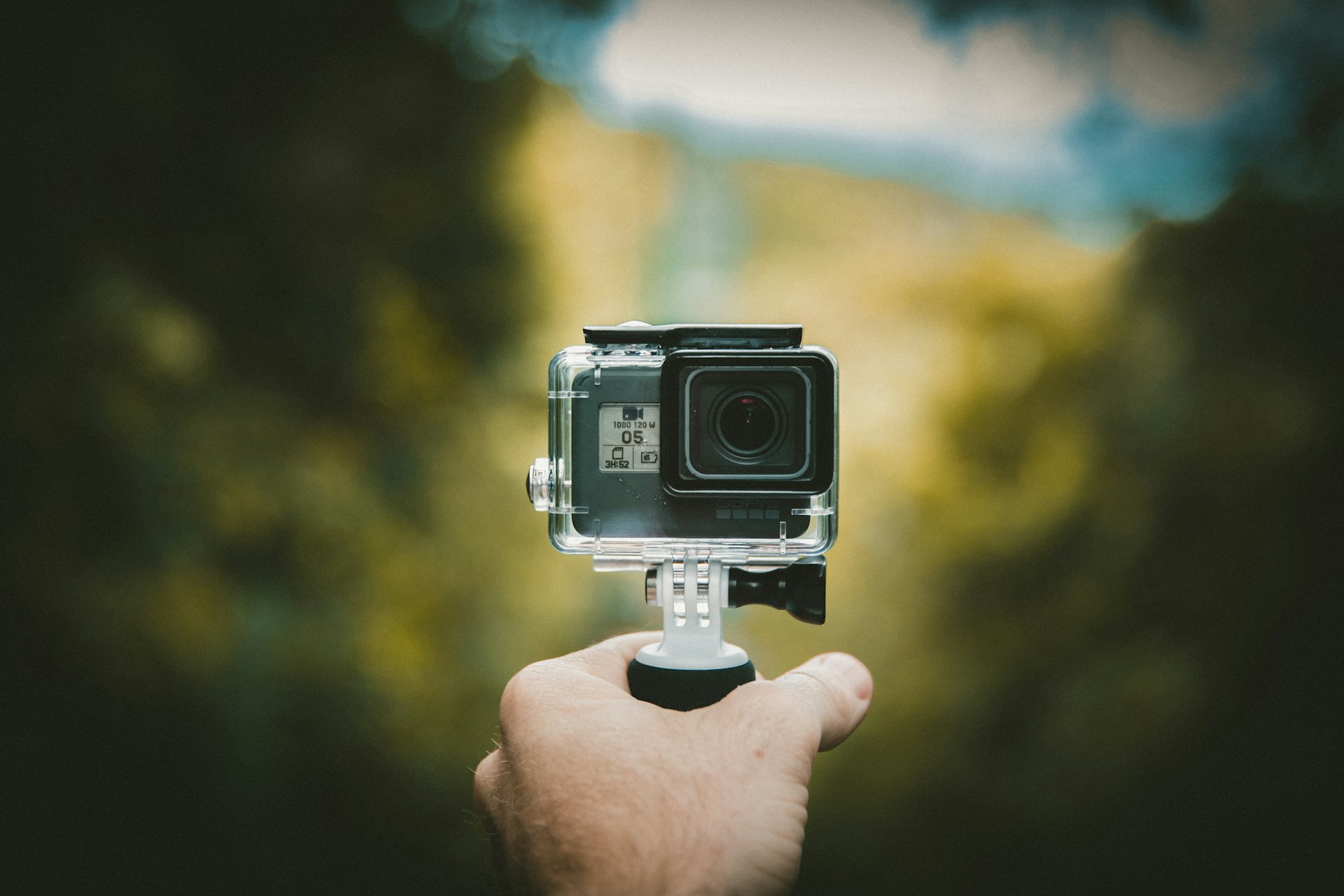
Why mount placement matters
Some mounting positions are much riskier than others, mainly because of how visible the camera is and how much force it takes on entries.
- Head and mask-strap mounts are out of sight. If one pops off, you often won’t notice until much later. Mask straps also flex, and the camera adds leverage to every head turn and every entry.
- Wrist mounts take a lot of movement and get knocked around on ladders and hang bars.
- Chest mounts are fairly secure, but hard to see under a BCD and easy to catch on a ladder.
- Handheld rigs are lost when the diver has to let go to deal with something else.
- Regulator mounts keep the camera in your lower field of view all dive. You see it every time you glance at your gauges or look down, so you notice right away if anything changes.
That visibility is one reason “No more lost cameras” became one of RegMount’s taglines. The camera sits on the second stage, which you already protect on entry by holding your regulator and mask, and it’s in view throughout the dive. For a broader look at the options, see our comparison of regulator, head, wrist, chest, pole and tray mounts.
Good to know: The standard giant-stride technique already has you holding your mask and regulator against your face with one hand. With RegMount, that same hand covers the camera, so the entry that loses so many head and wrist mounts protects yours with no extra step.
Tethers: the cheapest insurance in diving
A tether costs a fraction of a camera and turns a lost camera into a dangling one. To get the benefit without adding new risks:
- Use a coiled lanyard so it stays short and tidy until it’s needed. A long, loose lanyard is an entanglement hazard.
- Attach it to a solid point on the housing or frame, not to the same buckle that might fail.
- Clip it to your gear, not your body, such as a D-ring or a hose retainer that won’t get in the way of air sharing.
- Use clips you can open with gloves in case you need to release the camera on purpose.
- Route it away from your octopus and inflator so a deployment or emergency ascent isn’t slowed down.
Our coiled camera safety tether was chosen with those points in mind, and it works with any mount.
Entries, exits and handoffs
Entries
Check your camera on the boat, cover it with your hand on the giant stride or back roll, and check it again when you surface, before the descent. If something is loose, fix it at the surface or hand it back to the crew. Don’t descend with a mount you’re unsure about.
Exits
The ladder is where many cameras disappear: fins come off, a wave lifts the boat, and a hand that was holding the camera grabs the rail instead. Make sure the camera is mounted and tethered before you swim to the ladder. If you’re handing it up, wait until a crew member has it firmly in hand and has said so.
Shore dives
Surf zones are hard on gear. Check your camera before entering the surf and again once you’re past the breakers. Rolling surf can unseat buckles that would be fine on a boat dive.
Floats, labels and backups
Floating backdoors and grips
These make a camera float if it falls off at the surface. They help on snorkel and surface work, but at depth a camera that floats up can drift a long way before you reach the surface.
Contact labels
Put a waterproof label inside the housing (behind the clear back or on the battery door) with your email or phone number. Honest finders do return cameras.
Daily backups
Offload footage every evening to a laptop, phone or portable drive. If a camera is lost on day five, you lose one day of footage, not the whole trip.
Don’t count on Bluetooth trackers: Radio signals barely penetrate seawater, so Bluetooth item trackers can’t locate a camera underwater. They may help once a camera washes up or is carried onto land, but they’re no substitute for good mounting habits.
If your camera does get away
Don’t chase it past your limits
A sinking camera is not worth an uncontrolled descent, a missed safety stop or a blown gas plan. Let it go if reaching it would take you outside your plan or your training. See our task loading safety guide.
Mark the spot
Note your depth, the time, nearby landmarks and your compass heading. On the surface, record the GPS position from the boat or a phone, along with the current direction.
Plan a search on a later dive
Search patterns such as the expanding square or U-pattern work much better when they’re planned. Only search within your training. A search and recovery specialty course teaches these skills, and lifting heavy objects needs proper technique.
Tell people
Let the dive operator, local shops and local lost-and-found dive groups know, with a description and the location. Divers find lost cameras surprisingly often.

A quick before-every-dive checklist
- Fingers and mount free of cracks.
- Thumb screw tight, and the camera doesn’t move under thumb pressure.
- Buckles latched, locking plug fitted where available.
- Tether clipped and routed away from your alternate air source and inflator.
- Housing door closed and latched, gasket clean.
- Recording started, and you can see the status light.
- Hand ready to cover the camera on entry.
Gear care helps prevent losses too. Salt crystals in buckles and thumb screws are a common cause of failure, so read our underwater camera gear care guide for rinsing and maintenance routines.
Keep your camera where you can see it
The RegMount Complete Diver Kit combines the regulator mount with the accessory pack, so your camera stays in view on every dive. Add a tether and you have backup too.
Losing an action camera underwater: FAQ
Does a GoPro float or sink in the water?
It depends on the model and housing. Many action cameras in a dive housing are slightly negative or close to neutral, so they usually sink slowly or drift rather than float. Don’t rely on a camera floating unless you’ve fitted a dedicated float accessory.
What is the most common way divers lose action cameras?
Most losses happen during entries, exits and handoffs rather than in the middle of the dive. Loose thumb screws, worn quick-release buckles and cameras set down “for a second” are the other common causes.
Can I use an AirTag or Bluetooth tracker to find a lost camera underwater?
No. Radio signals don’t travel usefully through seawater, so trackers can’t locate a submerged camera. A contact label inside the housing and regular footage backups are much more useful.
Do I still need a tether with RegMount?
RegMount holds your camera securely and keeps it in view, but we still recommend a tether as backup, especially when you’re new to the mount, in surge and current, and on difficult entries and exits.
How often should I replace mount buckles and thumb screws?
Replace them as soon as you see cracks, stress whitening, stripped threads or soft, loose latching. Heavy users often swap buckles and screws every season as cheap preventive maintenance.